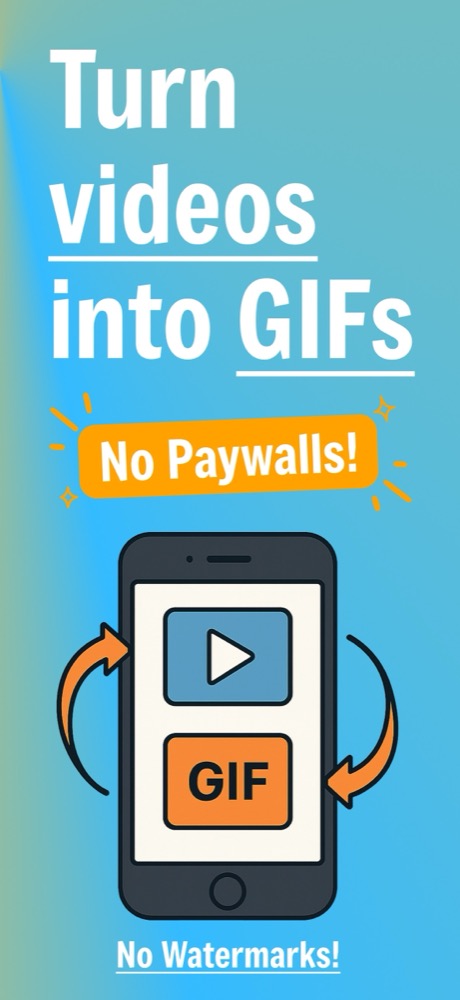
Turn Videos into GIFs
Pick any video or screen recording from Photos and make it a GIF.
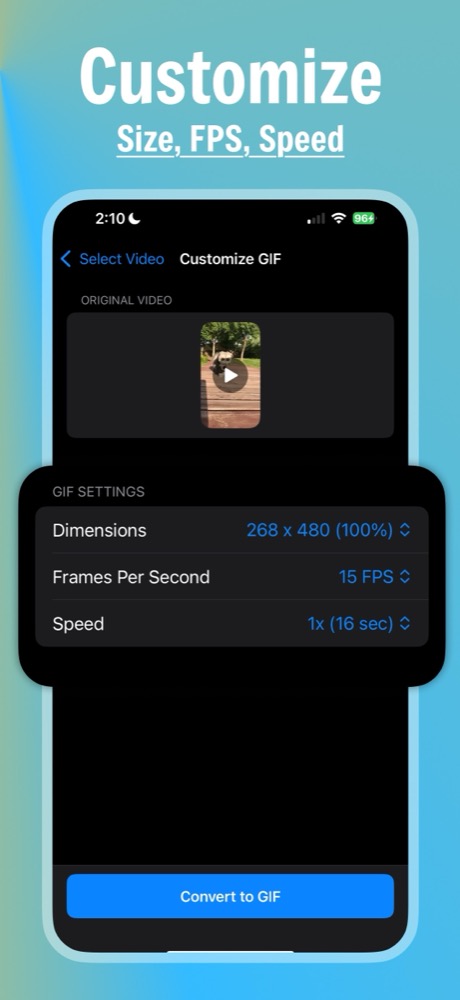
Trim, set the size, FPS, and speed, then save or share – no watermark, no paywall

Pick any video or screen recording from Photos and make it a GIF.
Scale your GIF from 5% up to full resolution, in exact pixels.
Choose 5 to 30 FPS to balance smooth motion and file size.
Play your GIF from 0.5x to 3x and see its length first.
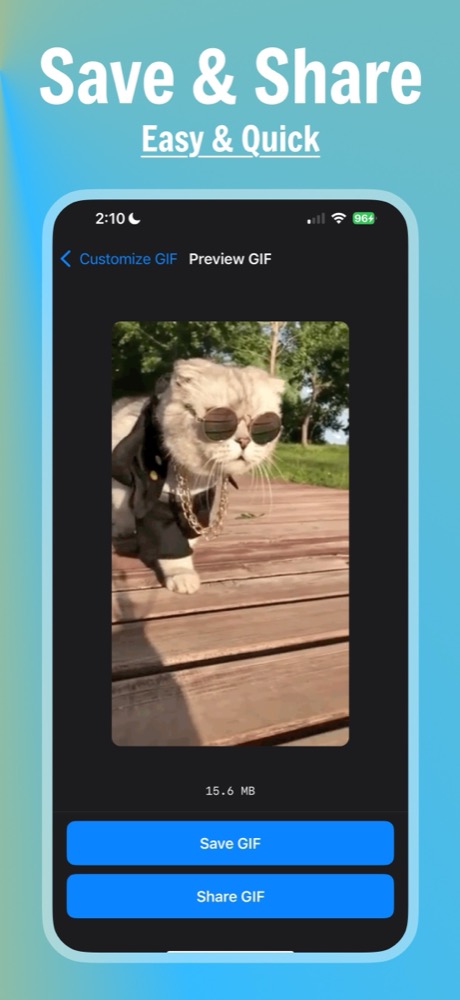
Save your GIF to Photos or send it anywhere from the share sheet.
GIFit makes GIFs on your iPhone, without uploading your videos.
I’ve tried quite a few video-to-GIF apps, and this is easily the best one I’ve used. It’s super simple, exports quickly, and the GIF quality is surprisingly good. I really like that I can trim the video and adjust everything without dealing with a bunch of confusing settings. It just works, which is exactly what I wanted. Definitely a 5-star app.
nothing about a trial or pay money for this feature or anything. simple and to the point. upload a video, edit the FPS, dimension, and playback speed, and save the gif. It even tells you how many MB the gif is, which is great for someone like me who uses it to make gifs for tumblr stimboards (sue me). Recommend 100%
Even tells you file size. Great for making gifs under 10mb to post on discord
GIF’s are created locally on device, it’s completely free to make a gif, no making you pay to make a GIF on the GIF making app, no outsourcing the GIF making task to some 3rd party that you have no idea is doing with your data after the fact, pick your clip, adjust settings, and it’s now a GIF, it’s perfect.
I use a few different apps to edit my videos and photos, but the gif or live format conversions are terrible quality or limited in resolution / frame rate and formats. This app is fast, clean, with exactly the customizable settings you need. 1 month in, everything’s still working perfect.
I have used a couple apps to make gifs over the years but this one is the most straight forward, simple, intuitive, and easy to use. Just upload a video to screen recording and it converts to a saveable shareable gif. Perfect function and nothing else needed. I love it and use it all the time.
No complicated controls. Simply UI, and great degree of speed and resolution options. App does what it says a without adding any of the extra.
It is very hard to find a video to gif app that is actually made for it while also being super intuitive and simple to use, on top its free.
GIFit is a free video to GIF converter for iPhone. Select a video or screen recording from Photos, trim the part you want, and turn it into an animated GIF you can save or share.
▶ Trim your video: Drag the start and end handles to keep only the moment you want.
▶ Choose the size: Scale the GIF to 5, 10, 15, 20, 25, 50, 75, or 100% of the original video.
▶ Set the frame rate: Pick 5, 10, 15, 20, 24, or 30 frames per second.
▶ Change the speed: Play the GIF at 0.5x, 0.75x, 1x, 1.5x, 2x, or 3x.
▶ Check the file size: See an estimated file size before you convert, and the final size when you preview the GIF.
▶ Save or share: Save the GIF to Photos or share it with the iOS share sheet.
1. Open GIFit and select a video from Photos.
2. Trim the clip and choose the dimensions, frame rate, and speed.
3. Convert it, preview the GIF and its file size, then save it to Photos or share it.
Yes, GIFit is free, with no watermark and no in-app purchases. Every setting is available without paying.
No. GIFit converts videos to GIFs on your iPhone, and your videos and GIFs are never uploaded. The app collects anonymous usage analytics and crash reports to help improve it.